Rediscover Gaming History: The Best Emulators for Nintendo GameCube
Over two decades have passed since the iconic Nintendo GameCube hit the shelves in 2001, captivating gamers with its array of beloved titles such as "Mario Kart: Double Dash," "Tales of Symphonia," "Super Mario Sunshine," "Animal Crossing," "Metroid Prime," and "The Legend of Zelda: The Wind Waker." Unfortunately, many of these timeless classics have not made their way to contemporary gaming consoles. As a result, emulation plays a pivotal role in allowing enthusiasts to relive these adventures. This article explores the leading GameCube emulators available across various platforms, ensuring that you can start your nostalgic gaming journey today.
Your Top Choice: Dolphin Emulator
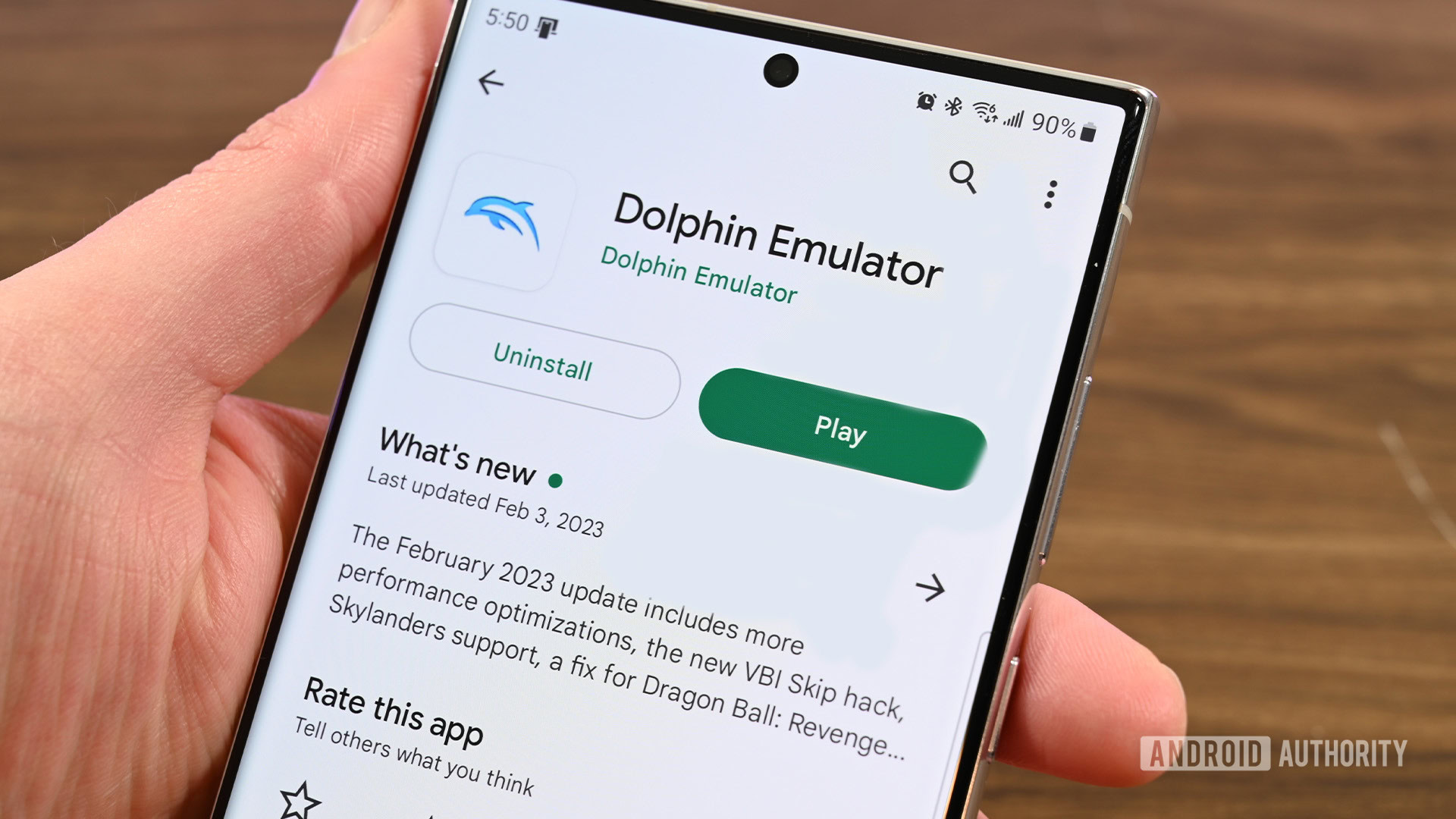
If you're on the lookout for the best overall GameCube emulator, look no further than the Dolphin Emulator. This free, open-source software is compatible with an impressive range of devices, including PC, Linux, macOS, and Android. The Dolphin Emulator stands out, boasting a compatibility rate exceeding 95%, with most games running flawlessly or at least playably.
One of the standout features of Dolphin is its user-friendliness; it tends to work seamlessly right out of the box, requiring minimal setup for most systems. Even better, Dolphin continually receives updates and enhancements, ensuring that it remains at the forefront of emulator technology. While Linux users may have to compile it from the source, the ease of use and extensive support from the community makes it a fantastic choice for gaming enthusiasts.
Get Your Game On: DolphiniOS for iOS Users
For those who prefer to game on their iOS devices, DolphiniOS is a fantastic option that adapts the versatility of the Dolphin Emulator specifically for Apple's operating system. It provides users with the same level of compatibility as its PC counterpart, making it an enticing choice for anyone with an iPhone or iPad. However, the installation process may pose a challenge for those less technologically inclined. Users might need to utilize alternatives like AltStore or follow manual processes to sideload during installation.
While DolphiniOS inherits many of Dolphin’s impressive features, potential users should note that iOS does not permit Just-In-Time (JIT) recompilation, which can limit performance. Nonetheless, if you're running iOS 14 or newer, DolphiniOS stands out as the go-to choice for emulating GameCube titles on your device.
Ideal for macOS: OpenEmu
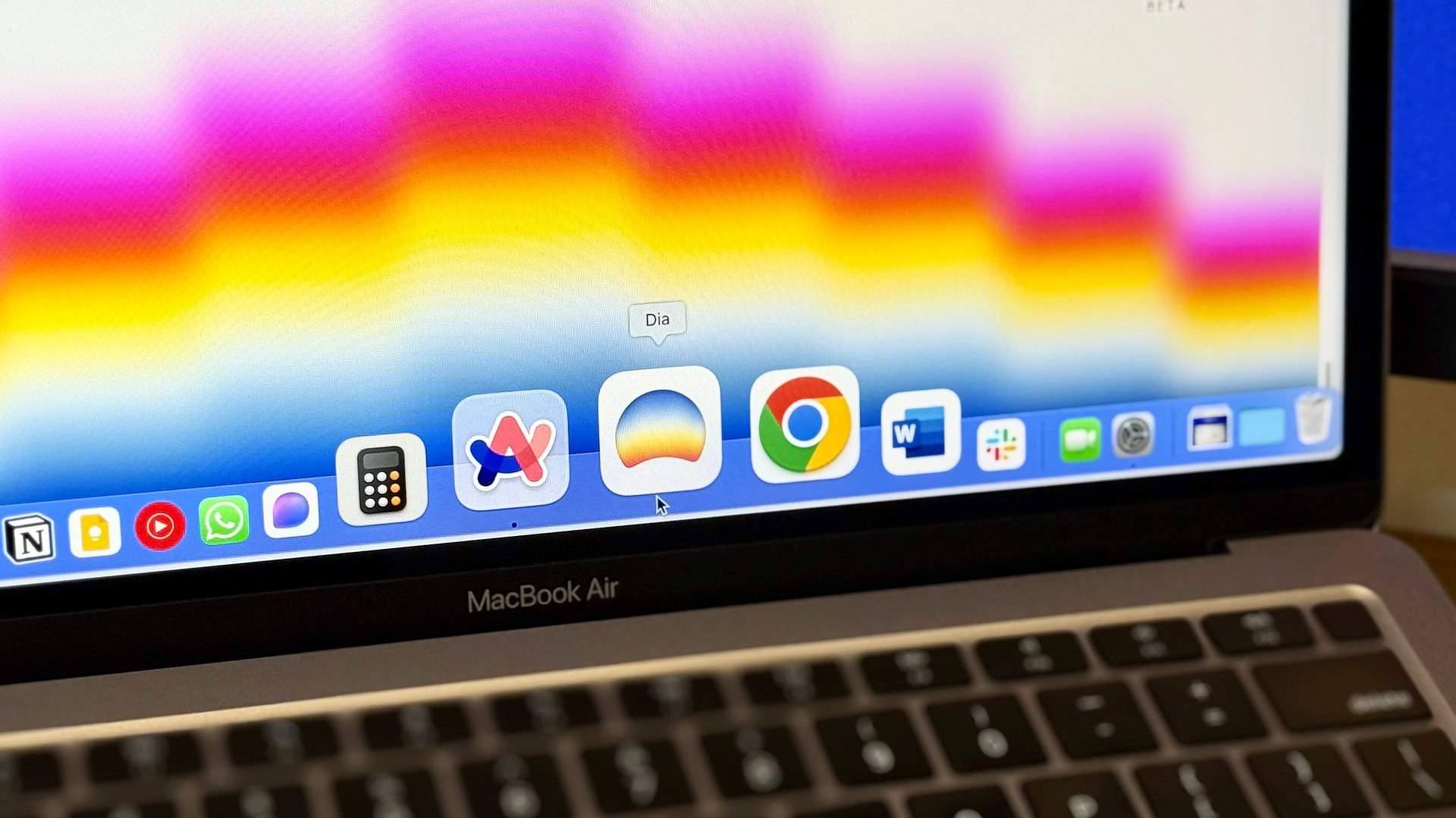
Mac users seeking a straightforward and effective way to enjoy GameCube games can rely on OpenEmu, a robust emulator that incorporates the Dolphin codebase. This brings about high compatibility while providing an all-in-one solution for various consoles. The user interface is user-friendly, making navigation and customization a breeze even for those new to emulation.
OpenEmu is specifically designed to cater to macOS users and works impeccably well with both Apple silicon and the latest macOS versions. While it might require slightly more setup than the standalone Dolphin Emulator, its extensive console support is a boon for gamers looking to indulge in nostalgia from multiple systems.
The All-in-One Solution: RetroArch
If variety is what you seek, then RetroArch is the ultimate emulator that deserves your attention. It’s a universal emulator that allows users to play games from a plethora of consoles, including the GameCube. By using Dolphin Emulator's core for GameCube support, RetroArch ensures compatibility on par with the standalone version.
The beauty of RetroArch lies in its ability to consolidate multiple gaming experiences into one platform. The convenience of downloading cores gives users access to an extensive library of games. However, it’s important to be prepared for a slight learning curve when navigating the interface. Particularly for newcomers, mastering RetroArch can be a bit daunting, but its consistent updates and strong performance make it well worth the effort.
Conclusion: Reignite Your Fondest Gaming Memories
With the bestselling emulators such as Dolphin Emulator, DolphiniOS, OpenEmu, and RetroArch, you have the power to dive back into the enchanting world of Nintendo GameCube classics. Whether you’re gaming on your PC, Mac, or mobile device, these emulators offer accessible ways to experience the magic of your favorite titles. So why wait? Grab your controllers, fire up your chosen emulator, and get ready to immerse yourself in the captivating realms of classic gaming once again.