Exploring the Dynamic World of Chromebooks: A New Generation of Versatility
As a seasoned member of Gen-Z, I can relate to how different screens in our lives serve distinct purposes. My smartphone is my go-to for personal chats, food delivery, and the endless scroll through memes that bring a smile to my face. Meanwhile, my television serves as a central hub for entertainment, playing everything from Spotify to the latest sports events, or binge-watching reruns of my favorite shows. However, nestled in between these two devices is the medium screen—my laptop or tablet. These devices have always functioned as the workhorses of my technological arsenal, suited for when I need to tackle something a bit more serious than a quick text. And it appears Google is recognizing this evolution too, with its recent efforts to redefine how we view and use Chromebooks. Let's delve into what's changing in the Chromebook landscape.
Enhanced Features Meet Elevated Expectations
I've been an enthusiastic supporter of Chromebooks, particularly the Chromebook Plus models. Yet, even I was aware of the stereotypes that surrounded them. Often seen merely as lightweight, accessible options for students, many overlooked the more advanced AI features that Google has been quietly integrating over the past two years. With each major update to Chrome OS, new features emerge, and it's becoming increasingly hard to ignore the sophistication that comes with them. Some recent additions include Select to Search and Text Capture, both of which enhance the search experience in a unique way that pulls from the functionality of the Google Pixel series. While there are limitations—like needing to drag a square over what you wish to search—these features enhance the productivity of Chromebooks, even without a touchscreen.
Moreover, Google has improved the Quick Insert menu available on Chromebook Plus devices, allowing users to seamlessly add GIFs, links, and more without switching between various tabs. A particularly exciting addition is the new ability to generate and insert images using technology similar to the Pixel Studio app. This provides an efficient way to communicate plans with friends—after all, a vibrant custom image speaks volumes compared to a mass text message.
Smart Tools for Student Success
Another advancement that seems tailored to the studious population is the new Help Me Read feature, aptly named Simplify. This tool enables users to highlight blocks of text, which can then be distilled into easier-to-digest summaries. Unlike traditional summarizing which might replace paragraphs with bullet points, this tool simplifies comprehension without sacrificing detail. It’s a thoughtful addition for those looking to enhance their learning experience through technology.
Additionally, Google recently announced that NotebookLM will now come pre-installed on every Chromebook Plus while upgrading the complimentary year of Google One AI Premium to a more robust year of Google One AI Pro. This upgrade grants access to advanced features such as Gemini 2.5 Pro and a taste of Veo 3 Fast for video generation, further amplifying the capabilities of these devices.
Introducing the Power-Driven Chromebook Plus 14
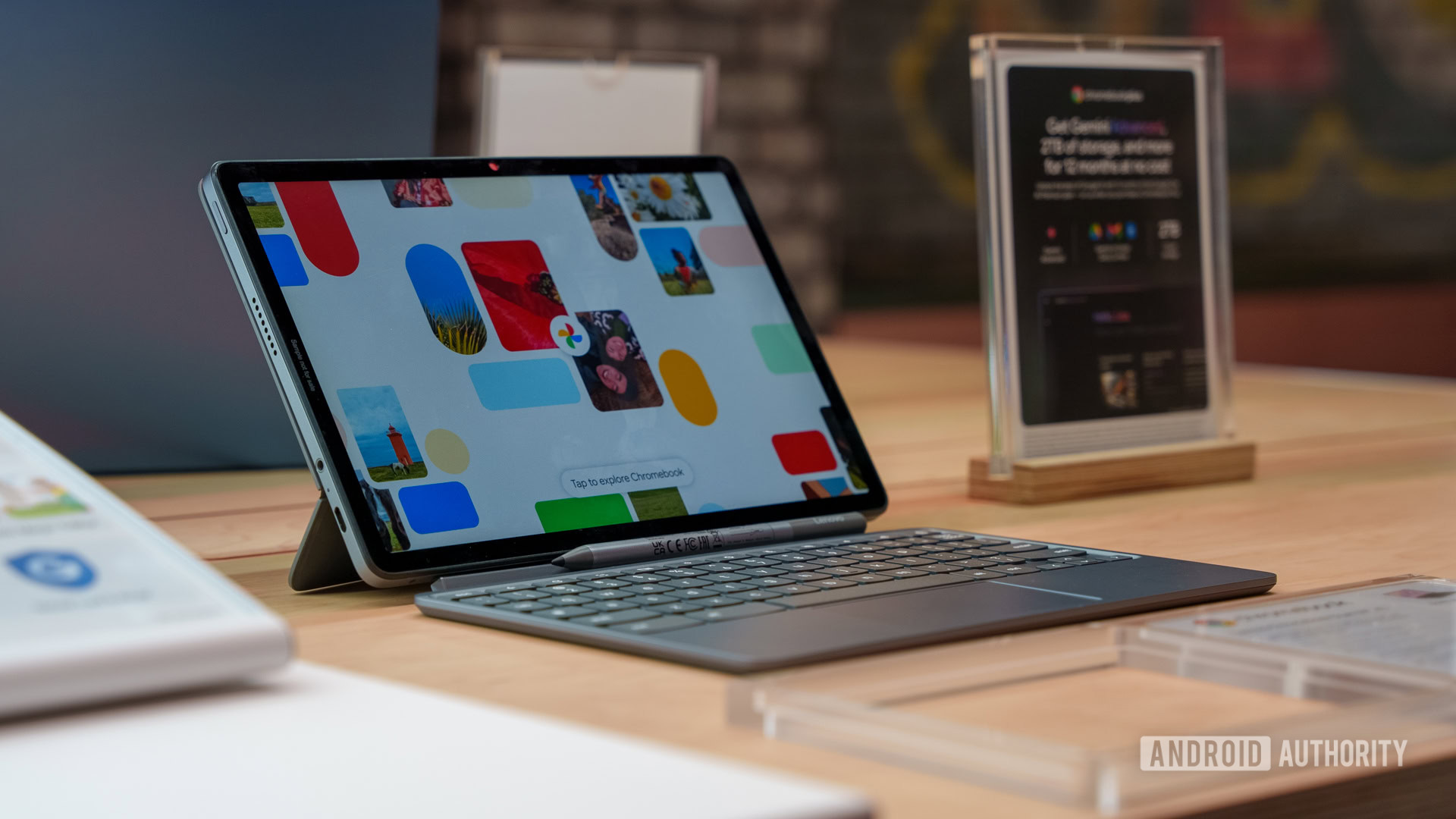
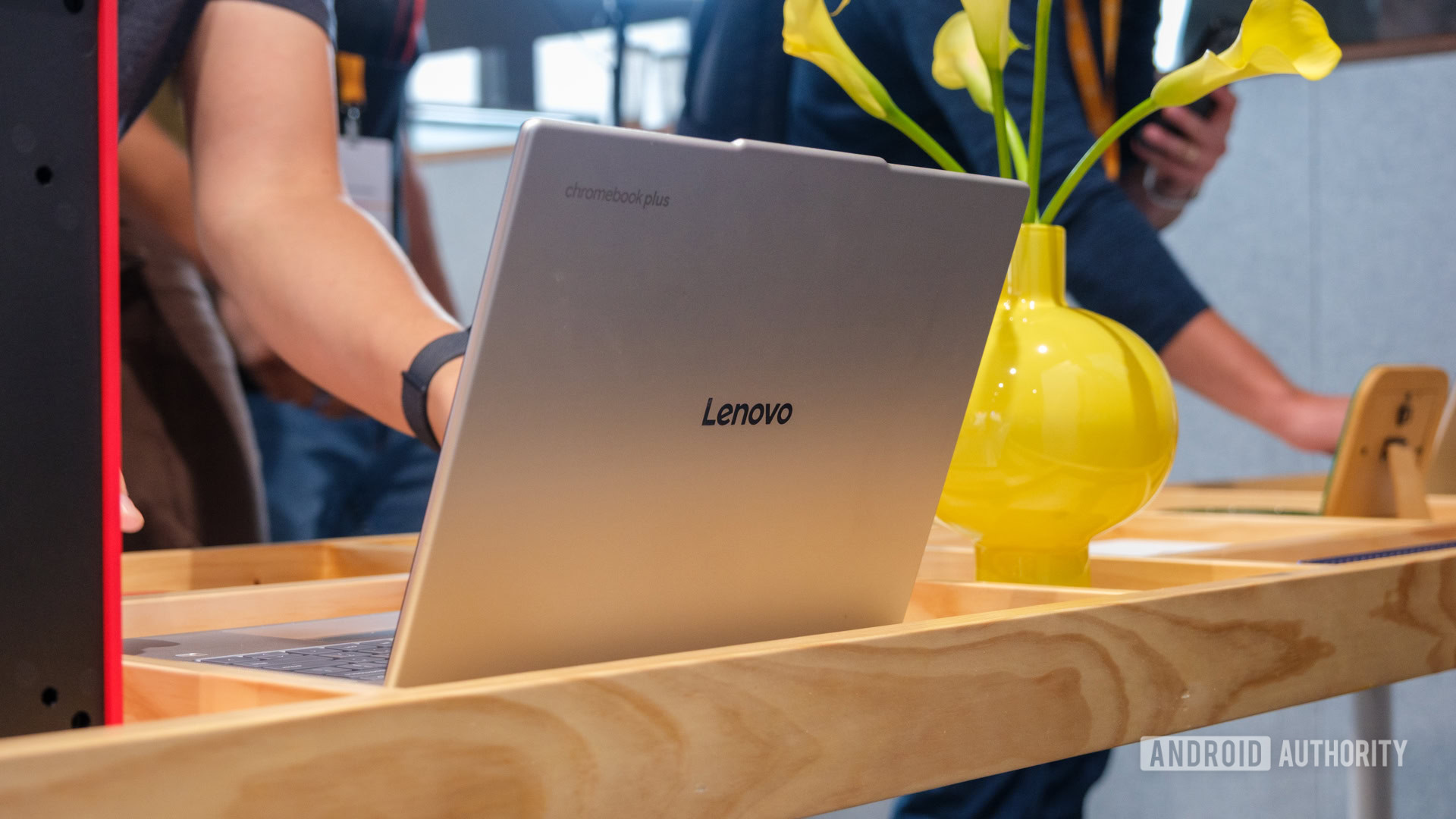
Alongside an array of new features, every major Chrome OS event typically reveals one or two new Chromebook Plus models. This time, however, Google raised the bar. Partnering with Lenovo, they unveiled the Chromebook Plus 14, which they deem the pinnacle of their Chromebook Plus series. Featuring a 14-inch display, powered by a MediaTek Kompanio Elite processor with up to 16GB of RAM, and boasting an impressive battery life of up to 17 hours, it’s designed for performance. My brief interaction with this lightweight notebook left me feeling optimistic about its potential, especially with its sleek rubberized design reminiscent of the original Pixelbook Go.
Yet, the Chromebook Plus 14 isn’t just about aesthetics; it introduces exclusive software features that make it particularly appealing. The Smart Grouping function allows AI to categorize your Chrome tabs and documents, streamlining your workflow. For example, if you're toggling between training plans for an upcoming marathon and research on the Club World Cup, this technology organizes your desktops efficiently, reducing distractions and enhancing focus.
Innovative Image Editing at Your Fingertips
One standout feature exclusive to this model is the ability to edit images directly in the Gallery app, mimicking Magic Editor on a larger scale. This enables users to apply AI to remove backgrounds from images, creating stickers that can be layered into other visuals. Although I only managed to sample this function briefly, the potential to process images quickly and effectively, especially for someone like me with an expansive Gallery, is undeniably exciting.
Weighing the Cost of Advancement
Despite its remarkable features, one downside of the Lenovo Chromebook Plus 14 is its flagship price, starting at $649 for the 12GB RAM version and $749 for the 16GB option. While these costs are substantial, I believe the robust specifications and enhanced capabilities justify the investment. Deciding to invest in a new Chromebook Plus feels like the quintessential “medium screen” dilemma—an exciting yet considered choice for technology users everywhere.