Seamlessly Control Your Android Device from Your PC
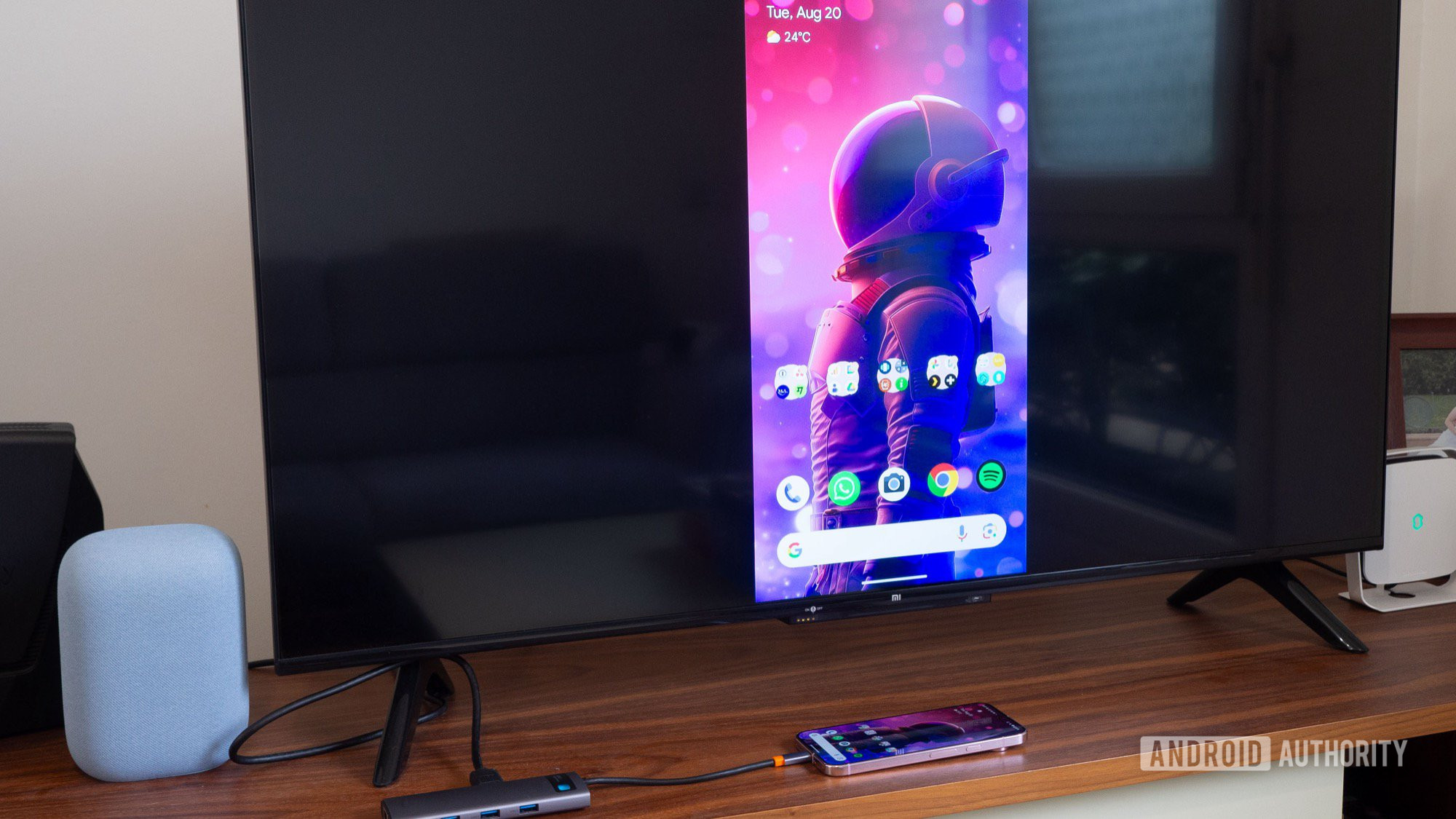
Ever found yourself wishing you could manage your Android phone easily from your PC? You’re not alone! Many users desire the convenience of accessing mobile applications, playing games on a larger screen, or responding to messages without the hassle of installing numerous Android apps on Windows 11. Thankfully, controlling your Android device from your desktop can be a breeze with the right tools. Read on to discover some of the best options available for this seamless experience.
Top Solutions for Android Control from a PC
Here’s a simple roundup of the most effective applications and tools that allow you to control your Android device directly from your computer:
- Microsoft Phone Link
- Pushbullet
- AirDroid
- Vysor
- Scrcpy
- DeskDock
- Samsung Flow
- TeamViewer QuickSupport
These solutions do not require rooting your device, thereby making them accessible to a broad audience. However, it’s worth noting that some features may vary based on the device you’re using. For instance, Samsung's Flow works exclusively with Galaxy models. Below is a detailed look at each option to help you choose the right one!
Microsoft Phone Link: The Built-in Champion
Cost: Free
For those seeking the simplest and most integrated solution, Microsoft Phone Link is a standout option. If you’re using Windows 10 or 11, it’s already installed and ready to go. Flagship phones from brands like Samsung, OnePlus, and OPPO often come with Phone Link pre-installed as well. While it may not be the most robust application, it excels in enabling you to receive notifications, send messages, and answer calls effortlessly from your computer. Just remember to ensure your devices are paired via Bluetooth for call functionality.
Pushbullet: Stay Connected Like Never Before
Cost: Free or $4.99 per month
If directing full control over your device isn’t necessary, Pushbullet is an excellent choice. This app keeps your notifications centralized, allowing you to send and receive messages and files swiftly. Plus, the universal copy and paste feature facilitates hassle-free management of messages across different devices. While its basic functionality is free, a subscription enhances your experience, permitting more than 100 messages per month.
AirDroid: The Comprehensive Control Center
Cost: Free or $2.50 per month
A favorite among those who want more flexibility, AirDroid blends a multitude of features to assist users in managing their Android phones effortlessly from a PC. Its polished interface enables notification checking, message management, and even screen mirroring, albeit with slightly varied performance. With a reasonable subscription fee, users can access a range of additional functionalities, ensuring that AirDroid remains a popular choice for Android enthusiasts.
Vysor: Perfect for Developers and Tinkers
Cost: Free or $10 annually / $40 for lifetime access
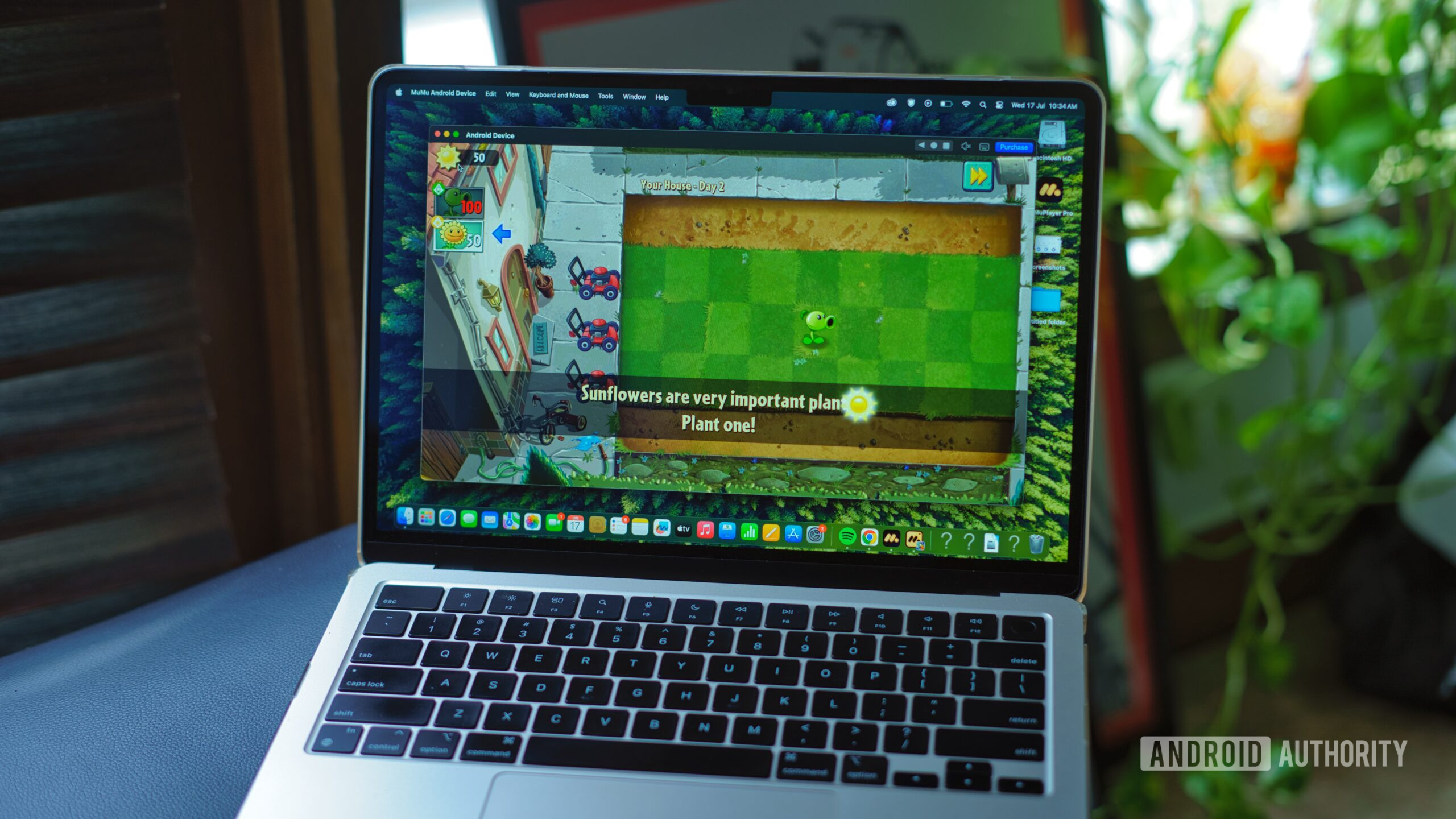
Vysor is tailored primarily for users interested in screen mirroring. It’s particularly beneficial for developers and creatives who wish to test applications in real-time or refine their phone layout. While the free version is functional, upgrading to a paid plan unleashes features such as wireless connectivity and a full-screen mirroring experience.
Scrcpy: The Open-Source Powerhouse
Cost: Free
If you’re tech-savvy and appreciate open-source software, Scrcpy is an option you won’t want to overlook. This tool offers an impressive range of functionalities, including screen mirroring, notification management, and audio forwarding—all without needing to install an app on your phone! You’ll need to navigate a bit through setup, but the rewards are well worth the effort.
DeskDock: Streamlined Control at Your Fingertips
Cost: Free or $5.49
DeskDock takes a different approach by enabling easy mouse control of your Android phone. This tool is particularly appealing to developers who need swift testing capabilities. The base functionality is free, though paid options can extend its capabilities. With DeskDock, you can easily bridge your desktop experience with your mobile device.
Samsung Flow: Seamless Integration for Samsung Users
Cost: Free
For Samsung device users, Samsung Flow offers unmatched integration. It allows users to effortlessly share notifications, settings, and messages across devices. Whether you want to check your texts on your Galaxy Tab or respond to notifications on your laptop, Flow covers all bases without fuss.
TeamViewer QuickSupport: Business Efficiency Redefined
Cost: Starts at $50.90 per month
TeamViewer QuickSupport ranks high for users seeking robust tech support solutions. It provides extensive remote control capabilities for Android devices, making it essential for professional environments. Although it comes with a cost, the comprehensive support tools available make it worth considering for business applications.
In summary, controlling your Android smartphone from a PC is not just a possibility; it’s a growing reality with numerous available applications. Whether for casual usage or professional support, there’s a tool for everyone to enhance their device management experience!