Customize Lock Screen Shortcuts in iOS 18
Have you ever found yourself accidentally triggering the flashlight on your iPhone and lighting up a room unintentionally? It can be quite frustrating, right?
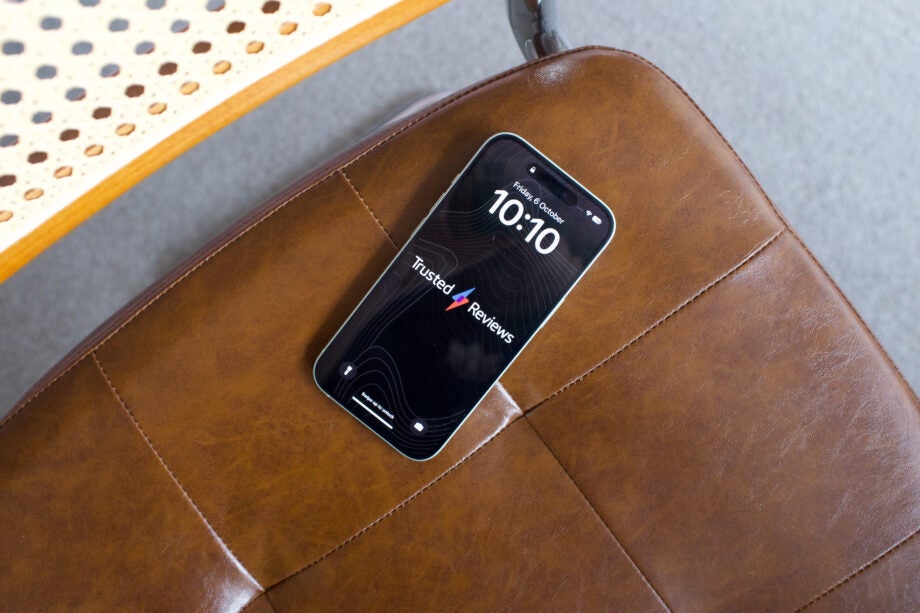
In the latest iOS 18 update, Apple is giving users the ability to customize their Lock Screen shortcuts. This means you can now change or remove the camera and torch shortcuts on your Lock Screen.
With the public beta of iOS 18 now available, users can take advantage of this feature and personalize their Lock Screen experience. Keep in mind that the process of tweaking these shortcuts may vary as Apple continues to refine the beta version.
If you're eager to learn how to make these changes, follow the steps provided below and take control of your Lock Screen shortcuts in iOS 18.