Enhancing Your TV Viewing Experience
For many individuals, the standard practice is to simply turn on the TV and leave it at that, without exploring any of the additional features or settings that could enhance their viewing experience. In fact, a significant number of people are unfamiliar with how to adjust the settings on their TVs to optimize the picture quality according to their preferences.
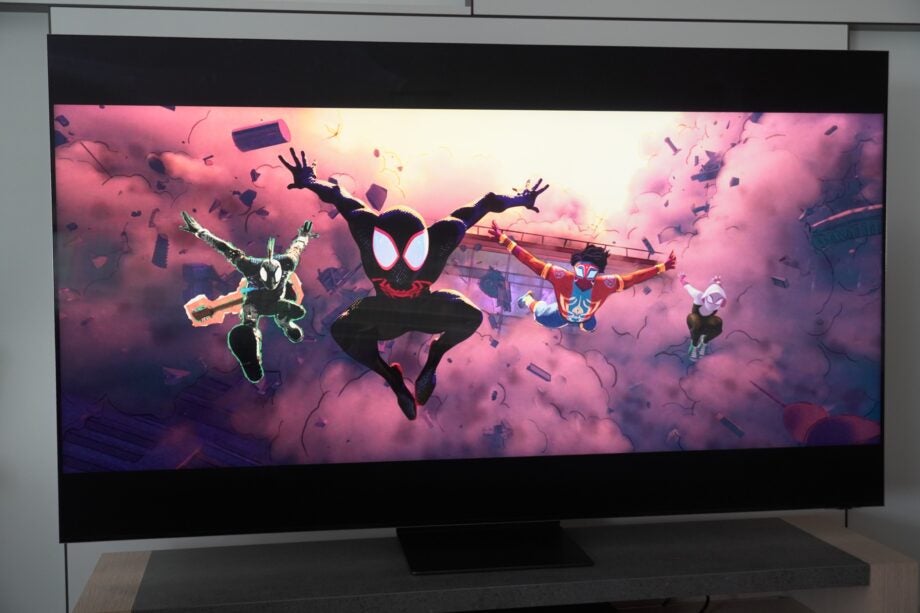
One particular aspect that can impact the picture quality on your TV is motion smoothing, also known as MEMC (Motion Estimation, Motion Compensation) or the Soap Opera Effect (SOE). This feature may inadvertently introduce blurring, noise, or disruptions to the picture when activated, potentially detracting from your overall viewing enjoyment.
If you're finding that motion smoothing is causing issues on your LG TV, particularly known as TruMotion on this brand, you may want to consider turning it off to see if it improves the visual performance. Fortunately, disabling this setting is a straightforward process that can be done with just a few simple steps.